本帖最后由 lvdeping 于 2013-11-14 13:12 编辑 $ T+ x! a0 @1 p. V7 d8 i
- W+ A' |- i% G y4 Q3 Z
 7 [. A, V: s% d' @% _
( F1 `$ P5 {4 T6 R6 { W
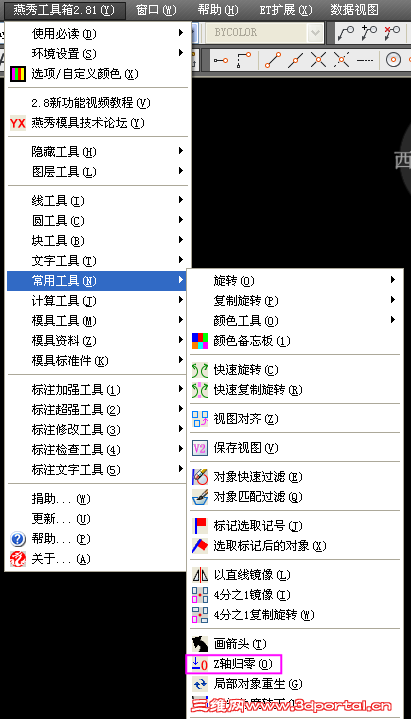
(1)命令法(中文为注释):在命令行键入change Command:CHANGE 选择对象 Select objects: all 键入p选择修改特性 Properties/: p 键入e修改标高 Change what property (Color/Elev/LAyer/LType/ltScale/Thickness) ? e 输入新的Z坐标 New elevation : 0 选择修改特性,回车结束。 Change what property (Color/Elev/LAyer/LType/ltScale/Thickness) ? Commnd: (2)移动法:很简单,键入移动命令"move",将所有实体移至点1,0,1E99,然后再重复"move"命令,将所有实体移至点0,0,-1E99即可。
+ ~! Y' `: l* ]/ k | 







 发表于 2013-11-14 12:57:23
 发表于 2013-11-20 22:34:54