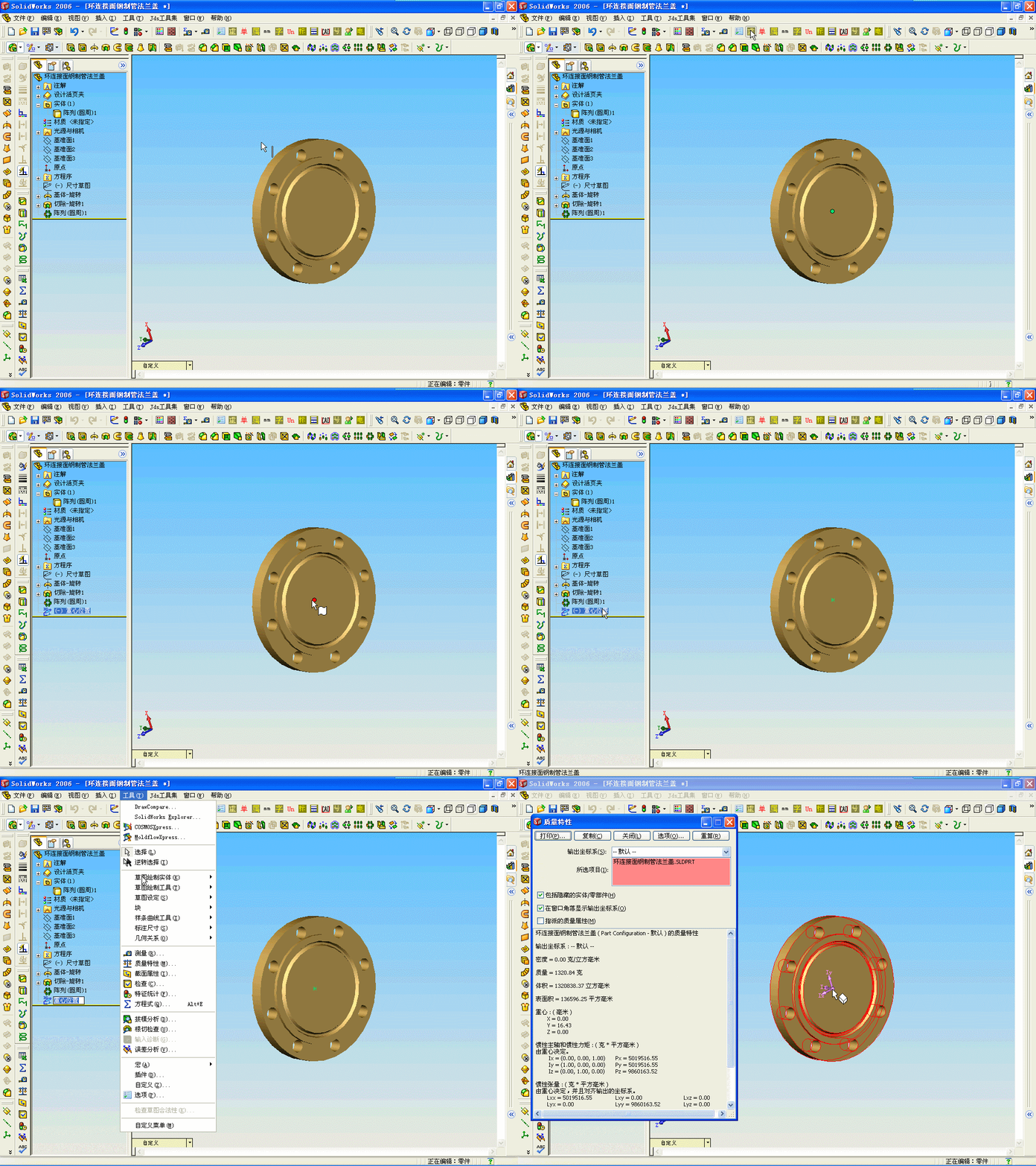
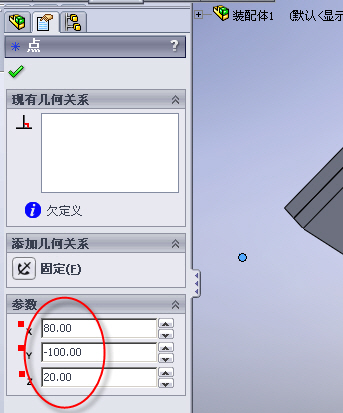
当然可以插入草图点,如下:/ F6 Q$ |! q* G! J9 y1 f' s
zhongxin = Part.GetMassProperties 9 J. @6 z C; v# o Part.Insert3DSketch+ R8 M; i- q& w; t* Y* z
Part.CreatePoint2 zhongxin(0), zhongxin(1), zhongxin(2): I* O3 O+ l( O$ b
" u7 L0 U2 M; J, v7 g+ @ Part.Insert3DSketch2 True , d, h1 h, K. i [. F8 x7 R \* |8 A6 L4 B; g: I; S& k0 j Part.FeatureByPositionReverse(0).Name = "重心位置" , p% H' X5 p, j, ~4 D
! E1 S* x/ C) ]4 E
以上插入了一个名为"重心位置" 的点
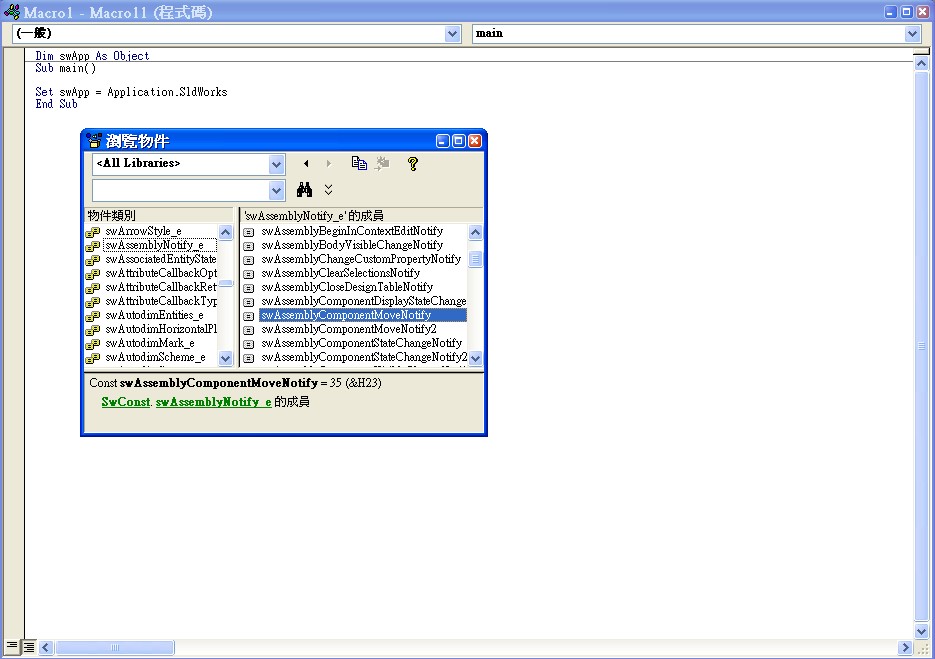
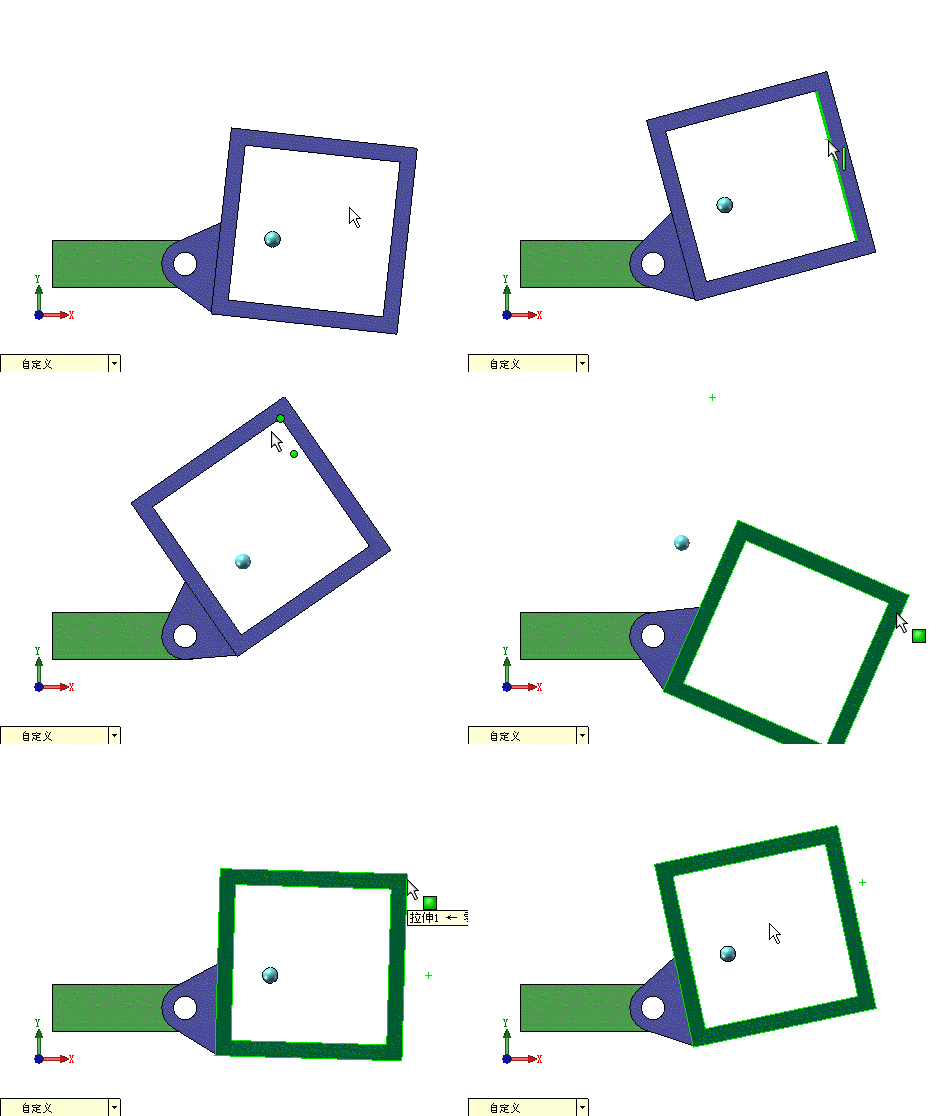
5 n2 v! t) Z- O) \( P; r* {Description % s) {1 k% x! g( P( y: | 0 ^2 L$ a5 G# h) ]2 r, a7 U* CPost-notification that is sent when a user releases the mouse button indicating that the components have been moved to the desired destination. 0 m# X4 I' ~ S # C* | C! _9 y: B m# LNOTE: If developing a C++ application, use swAssemblyComponentMoveNotify to register for this notification.% i+ g# l2 e( s! _' k9 S j3 W
, S4 D0 I- ]$ k/ G+ \% ]status = ComponentMoveNotify2 ( Components As VARIANT) As Long* O& h. r! M7 f
% u7 P& x7 v9 }7 L; ?
Input:, z7 I v1 P; e) k# p
(VARIANT) Components $ D6 w- M0 r1 B9 M9 p SafeArray of the Component2 objects selected to be moved 8 U* G* R, v0 G & t- v' [; ~' c/ A% l1 S
Return: B: W5 @! m$ g* \2 R7 Y (HRESULT) status( M! V' K s% h p5 X1 W0 b
S_OK if successful